
The network state is used to identify which Nexus are accessible to send a case.
To access this feature, click on Network state at the top right of the screen.
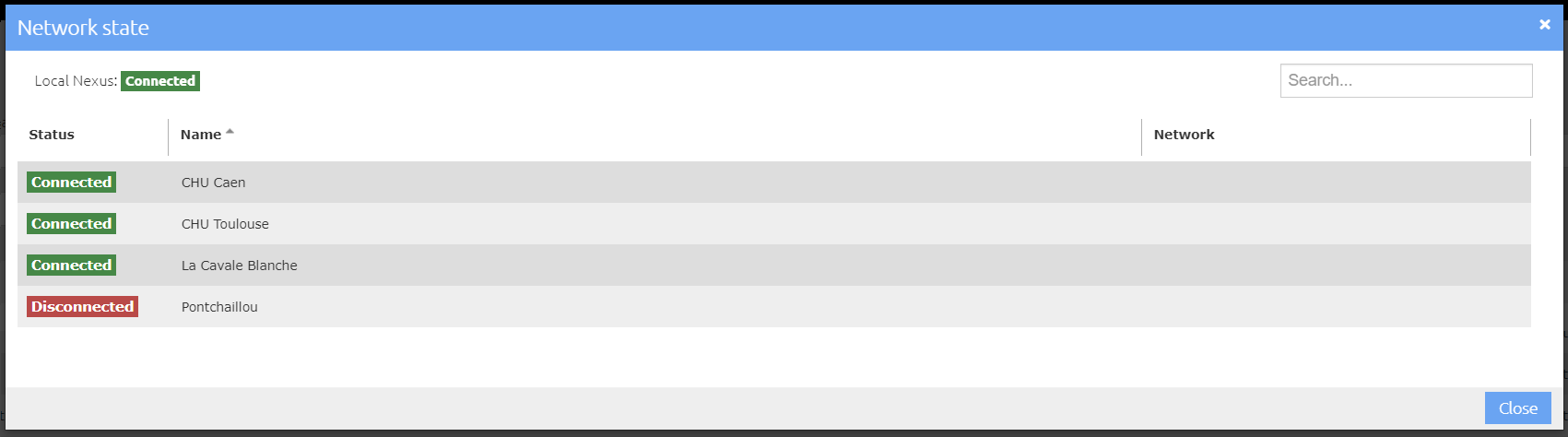
The sites displayed correspond to the Nexus declared in the Site Directory. The connectivity state of each site is displayed:
-
the "Connected" state means that the establishment will receive the cases sent to it
-
the “Disconnected" state means that the establishment will not receive cases or DICOM studies attachments sent to it.
A "Disconnected" state may be due to :
-
the Nexus is not accessible (disconnected from the Internet, for example)
-
a configuration error for DICOM studies exchanges.
The connectivity state of the local Nexus indicates whether the Nexus is correctly started.