
Password initialization
Password initialization is described in First login.
Password update/Forgot password
La procédure de mise à jour/réinitialisation du mot de passe peut être lancée par un utilisateur ou par un administrateur pour un utilisateur.
By the user
You can change your password by clicking on Forgot password on the login screen. Enter your email address and click on Change the password.
An email will be sent to you with a link to change your password. This link is valid for 15 minutes.
By an administrator
An administrator can reset your password via the administration (cf. (3.6-en) User management).
An email will be sent to you with a link to change your password. This link is valid for 24 hours.
Click on it and choose your new password, respecting the stated constraints. Save your password by clicking on Change the password.
If the link has expired, you will be redirected to an error page. The procedure must be repeated.
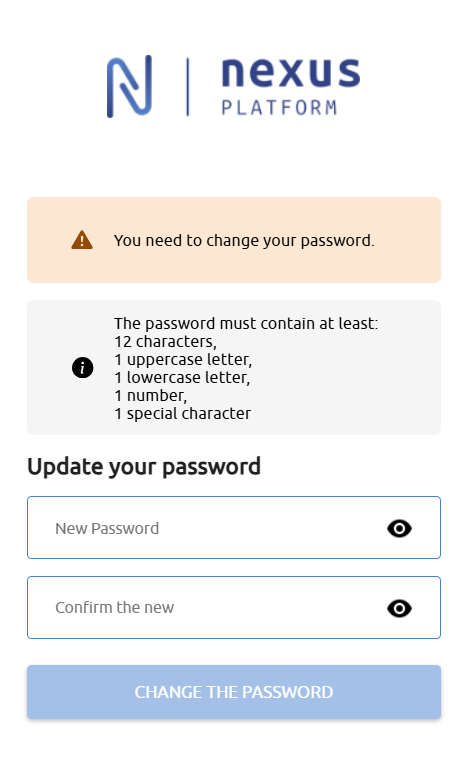
The password is valid for one year. You will have to update it when it expires, after you log in.