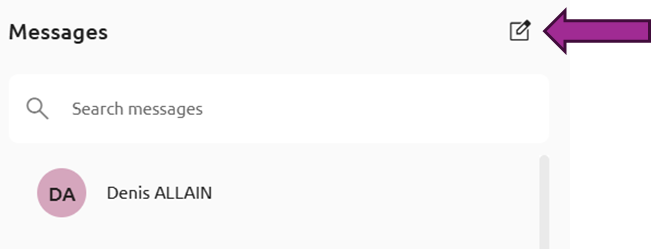
To create a conversation from the conversations list (cf. View the conversations list), click on the creation button:
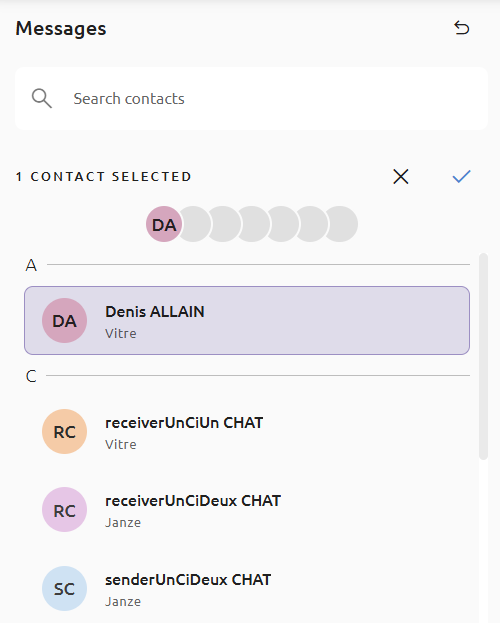
Then select conversation participants from the list, or search for them by first and last name. You can add up to 7 participants, among Nexus Platform users.
Click on ✓ to finalize the conversation. You can then send a message (cf. Open a conversation and send a message).
The participants list in a conversation can not be modified after its creation.