
Open a conversation
To open a conversation from the conversations list (cf. View the conversations list), click on it.
Messages are only retained thirty days.
Quick access
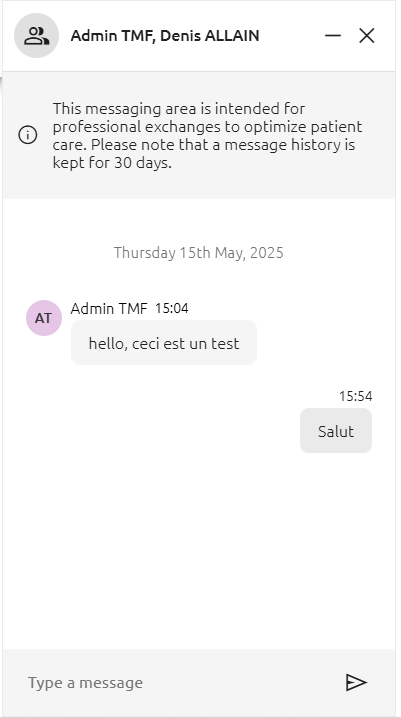
The conversation opens in miniature in the bottom right-hand corner. It can be minimized or closed via the conversation header.
When the conversation is reduced, a dot indicates new messages. The conversation can be reopened by clicking on it.
Chat page
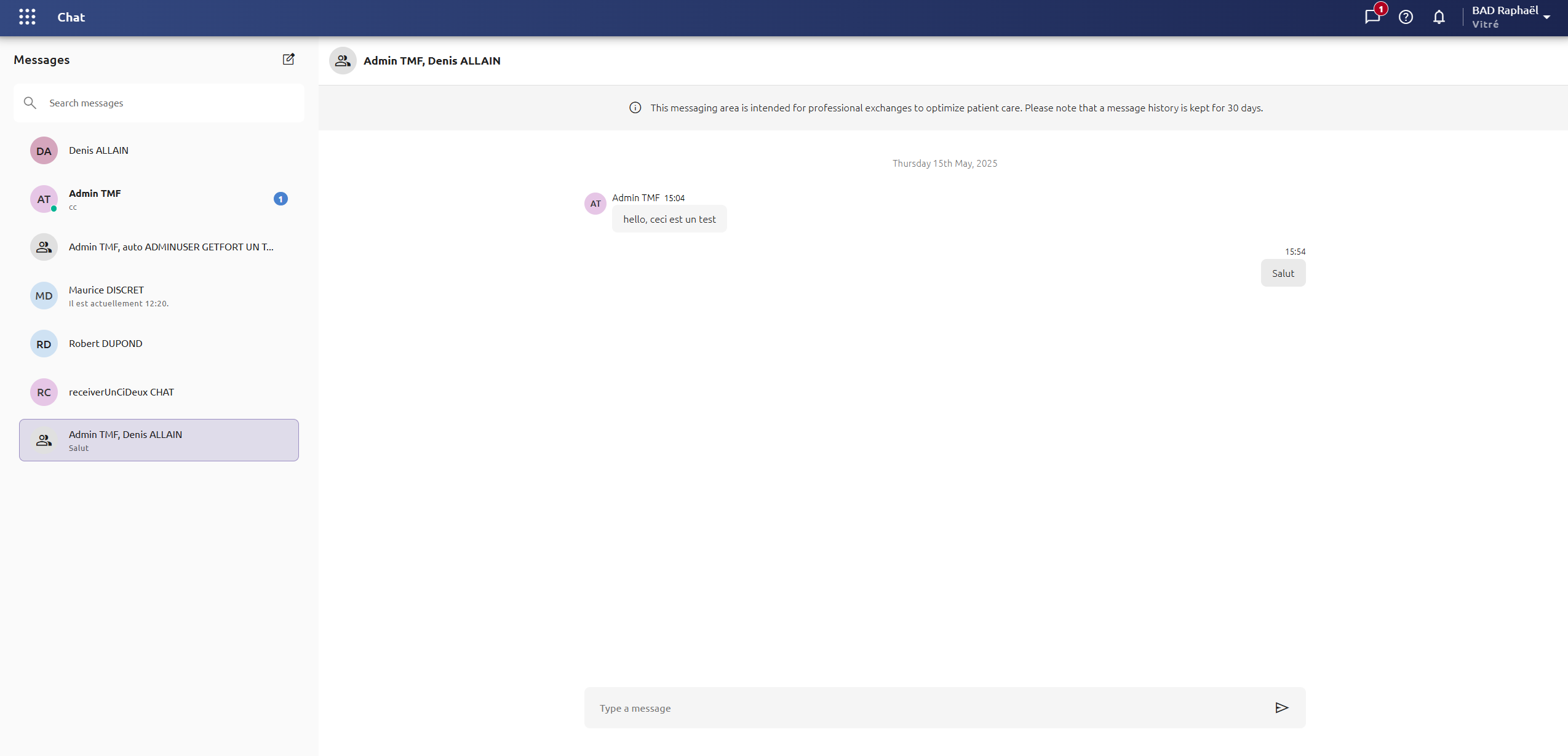
The conversation opens on the right.
Send a message
A new message can be written using the text field at the bottom. The message is sent by clicking on the send button or the Enter key on the keyboard.
You can not send attachments nor images.
This messaging area is intended for professional exchanges to optimize patient care.