
The Business Event log enables an administrator to display events related to actions carried out by users of his or her facility.
These actions can occur either on the Runtime or on modules deployed on it.
To access the Business Event Log, click on Events on the Administration page.
To view the Events tab on the Administration page, you must have the right to do so (refer to (3.1-en) Rights management).
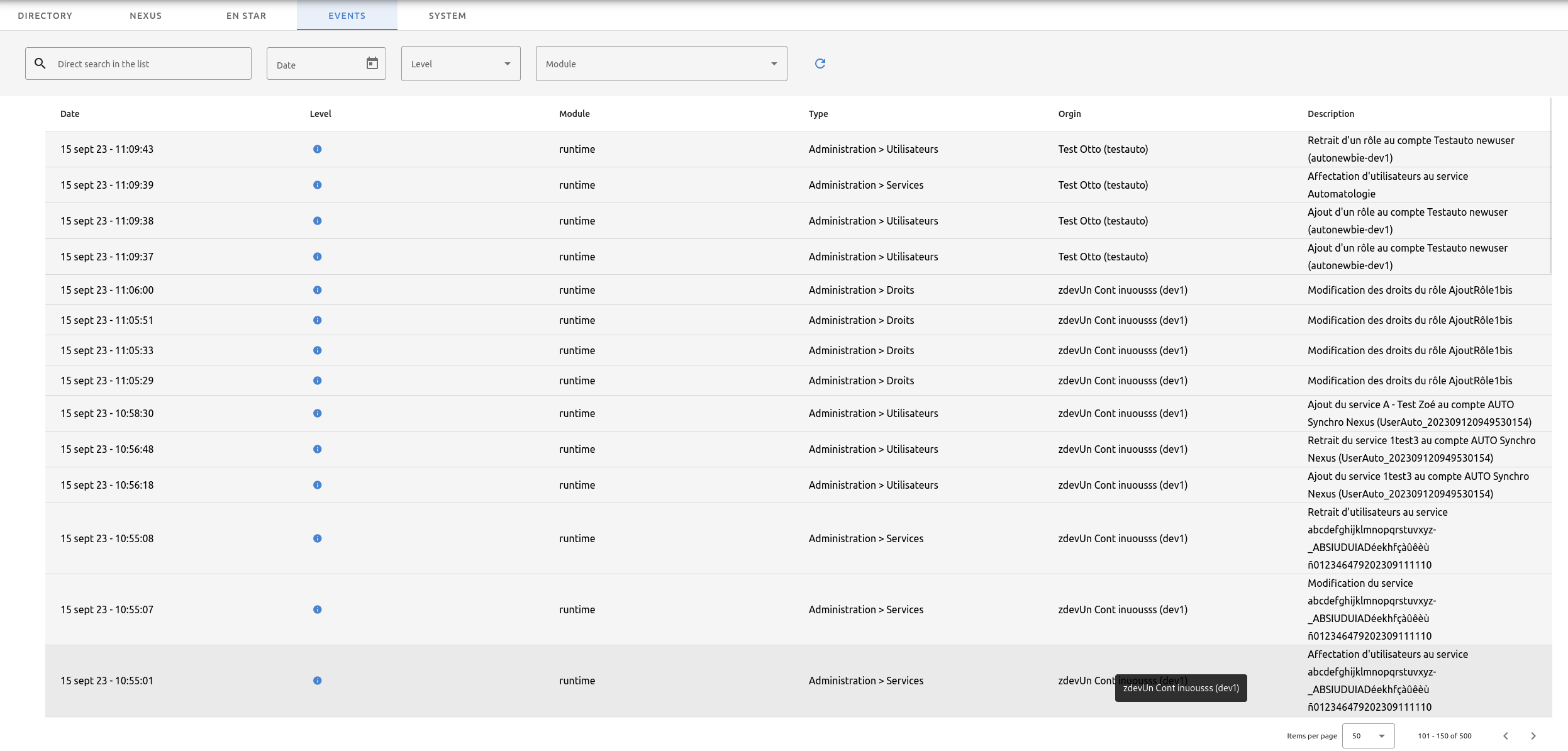
There are 3 levels of business events identified by icons:
-
information
-
attention
-
error
You can filter events by:
-
Date
-
Level
-
Module
-
Detailed search