
Services are used to organize users and are used by application modules to define permissions on specific use.
To access on services management, click on Directory from Administration page then on Services.
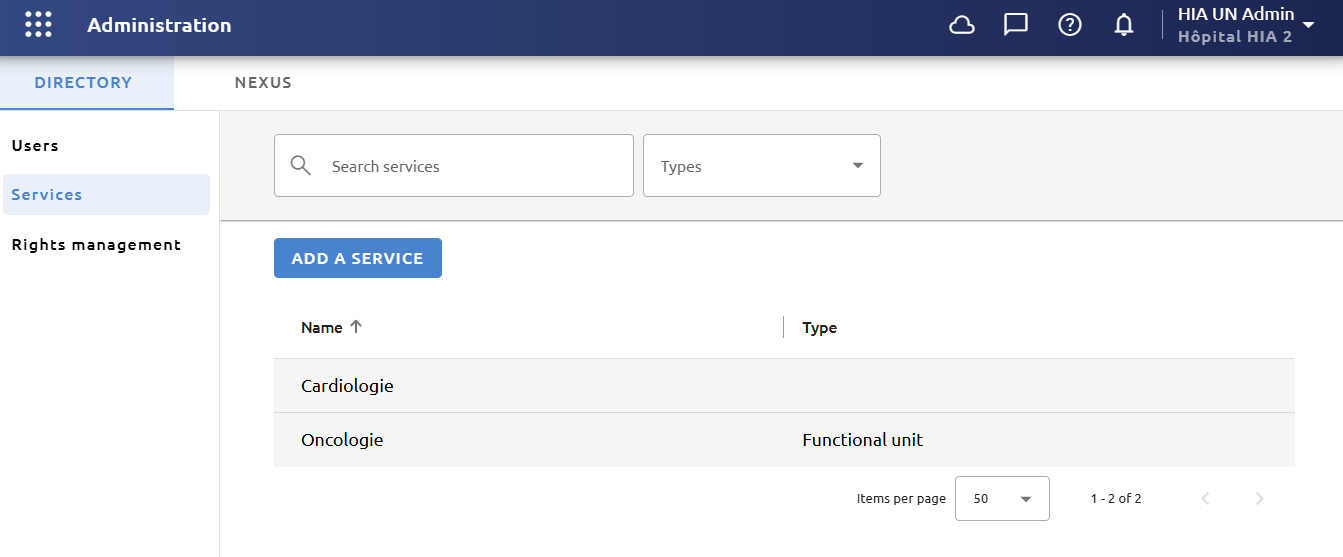
The sorting order can be changed by clicking on the column titles. You can also search for a service by type or by entering its name in the search bar.
From services list, you can :
-
Add a service
-
View and modify a service
-
Delete service
Add a service
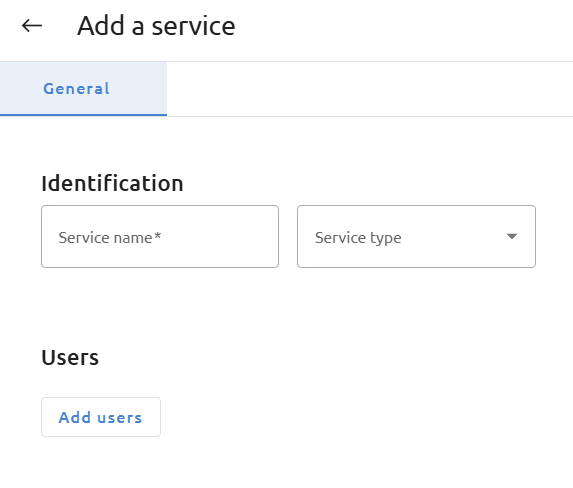
From the list, click on Add a service. You can then fill following informations :
|
Information |
Description |
|
General information |
Fill in the Name of the service. Depending on the application modules available to you, you may need to define the Type of service. By default, there are only the types Activity Pole, Service and Functional unit. Other types can be defined.
Once the service has been created, the type cannot be changed. |
|
Users |
To add users to this service, click on Add users. A window showing the list of users will appear and allow you to select one or more users. To remove a user, click on Delete icon next to the user in the list of service users. |
To validate your changes, click on Save.
Other information may be present if additional modules have been added. Please refer to the documentation for those modules if this is the case.
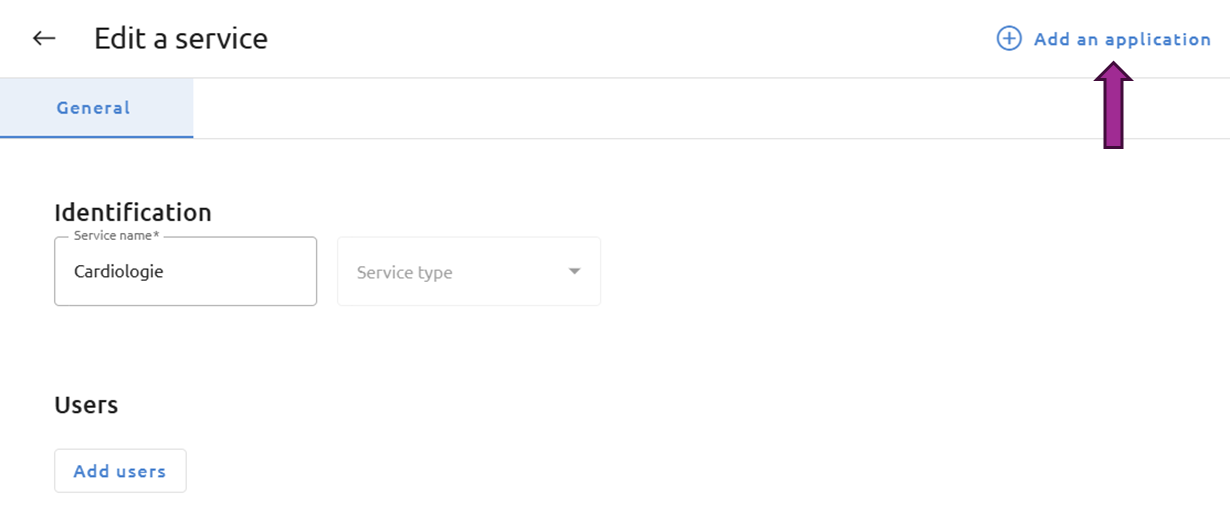
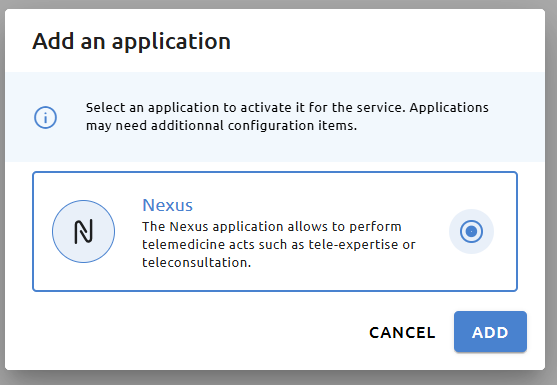
Some modules need to be activated for a service. To activate a module, click on Add an application, select the desired application and validate. Than, you must validate the activation on the new tab clicking on Activate. Refer to the module documentation for additional information.
An activated module can be deactivated for a service by clicking on Deactivate application in the module form.
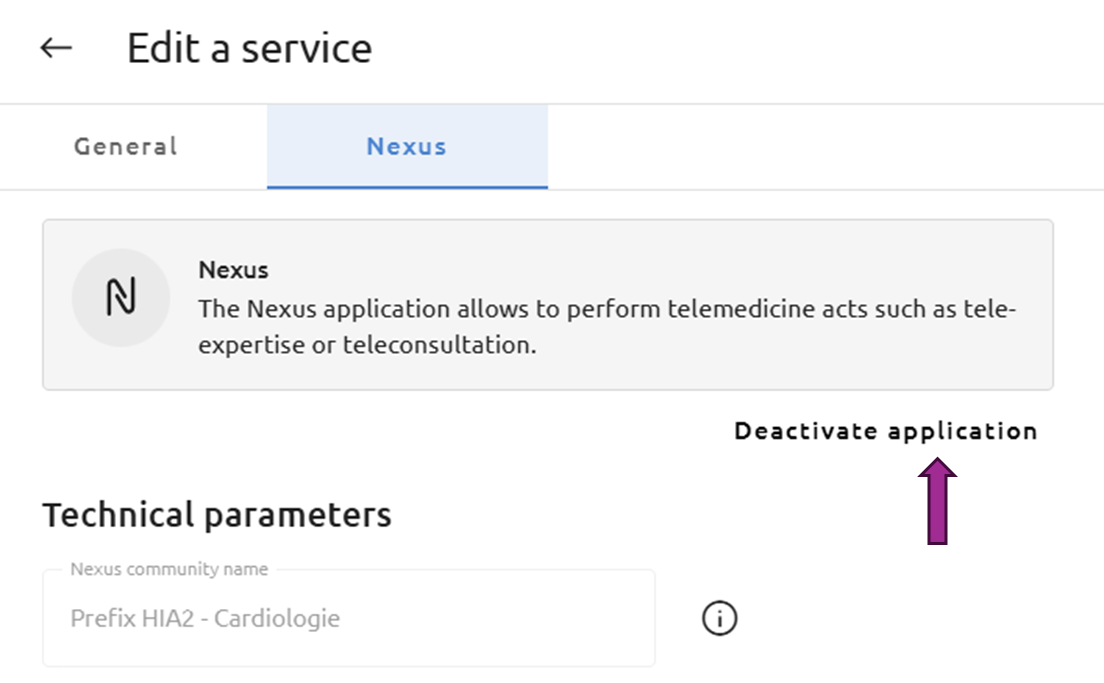
Deactivation may have impacts on the concerned application. Refer to the modules documentation for further information.
View and modify a service
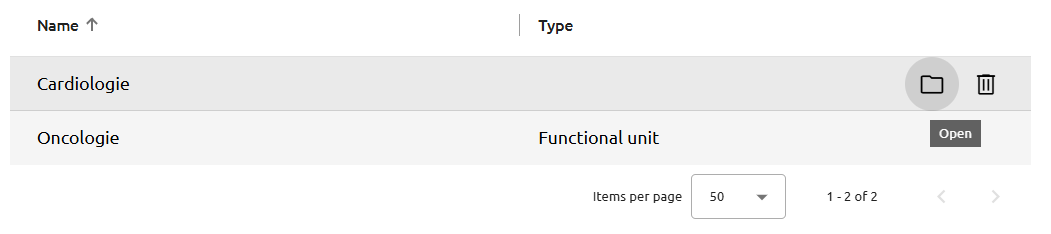
Service’s information can be opened from the list by clicking on the Open icon when hovering it, or by double-clicking on the service. You can modify the service information and click on Save to apply the changes.
Delete a un service
To delete a service from the list, click on the Delete icon when hovering it.
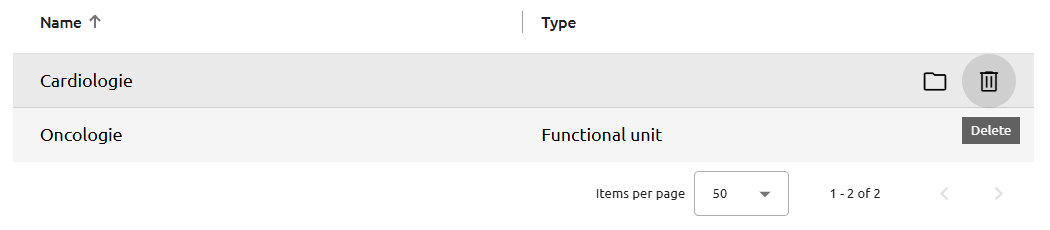
Deleting a service may have impacts on the applications associated with the service. Refer to the modules documentation for further details.