Identify the patient when creating the case
Enter the patient's identity using the five suggested attributes. Depending on how the case was created, this information may have been automatically filled in and made uneditable.
You can query a server to automatically retrieve patient information. To do this, click the Search icon.
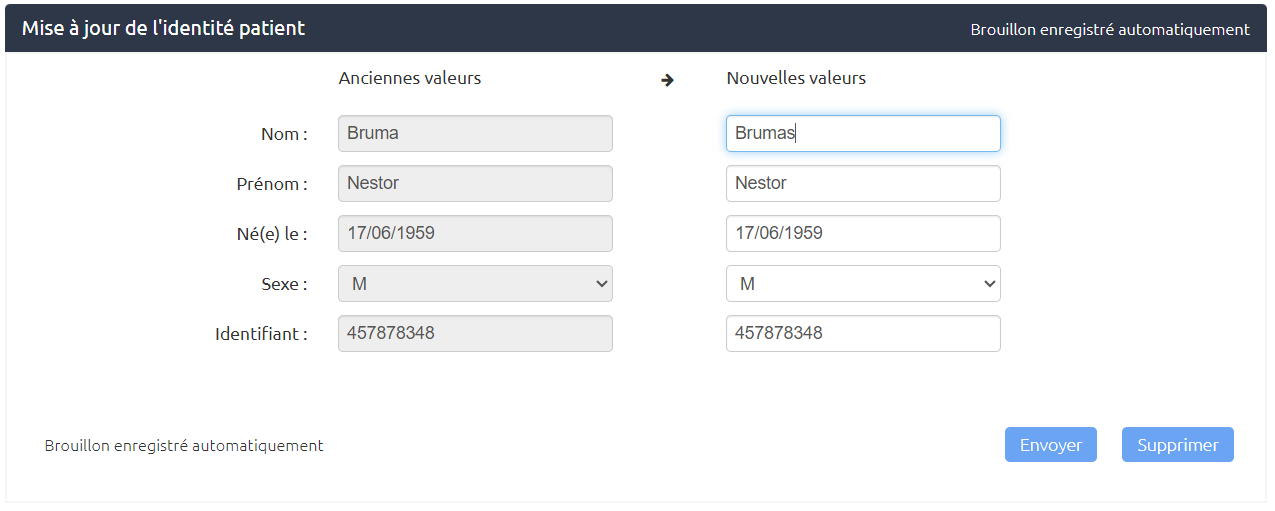
Updating the Patient's Identity in a case
Once the first step of the case has been submitted, the only way to change the patient's identity is to add an Update Patient Identity step if the case type allows it.
Adding this step updates the information in the Patient section.
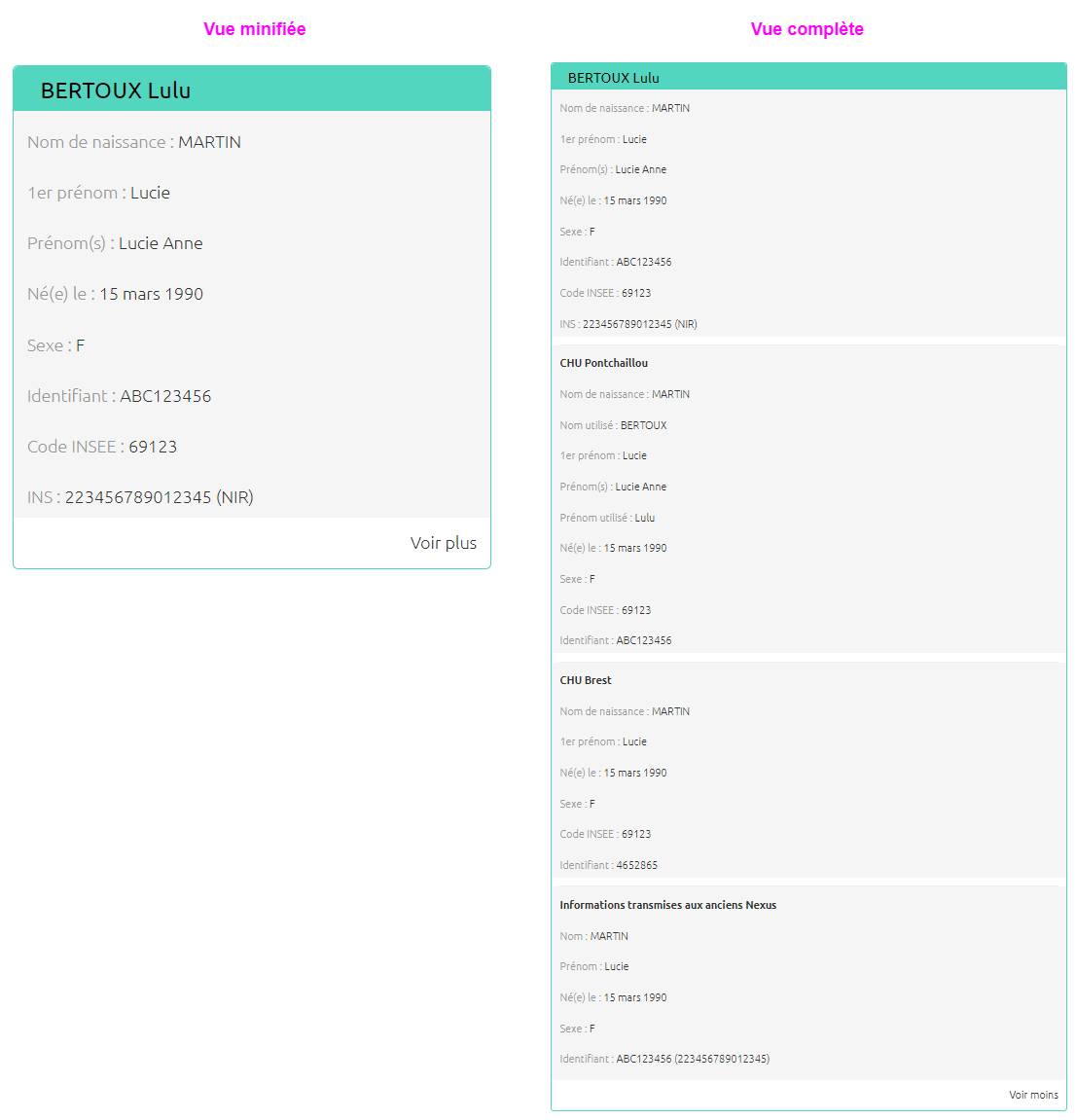
Contextual Identity Management
It is now possible to associate multiple contextual identities with a case, enabling more flexible management that reflects the complexity of inter-institutional exchanges. This feature is currently accessible exclusively via REST API integration.
This mechanism allows us to take into account the reality of care pathways, where the same patient can be identified differently depending on the establishment. For example, a patient may have a local identity specific to the requesting establishment and a national or regional identity. When a case is shared between several establishments, the patient can therefore be identified differently in each of them.
It is therefore possible to create a case via the Nexus API containing identities with the following patient characteristics:
-
Birth name
-
Given names list
-
Firstname
-
Usual name
-
Usual firstname
-
Date of birth
-
Gender
-
Place of birth
-
Identification
-
Assigning authority