
Account finalization
Once your account has been created, you must initialize your password. Click on the link sent to you by e-mail and choose your password, respecting the constraints set out. The link is valid for 24 hours.
If the link has expired, you will be redirected to an error page. Follow the procedure described on the page (3.6-en) Password to receive a new link.
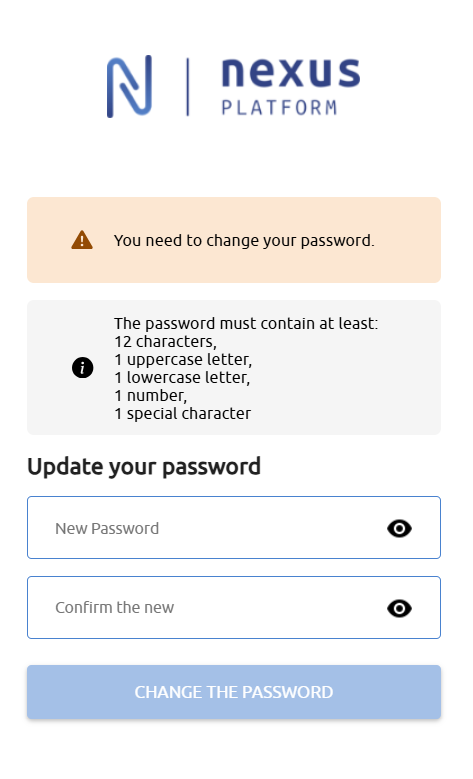
Once your password has been initialized, you can log in. (cf. (3.5-en) Authentication).
The password is valid for one year. You will have to update it when it expires, after you log in.
First login path
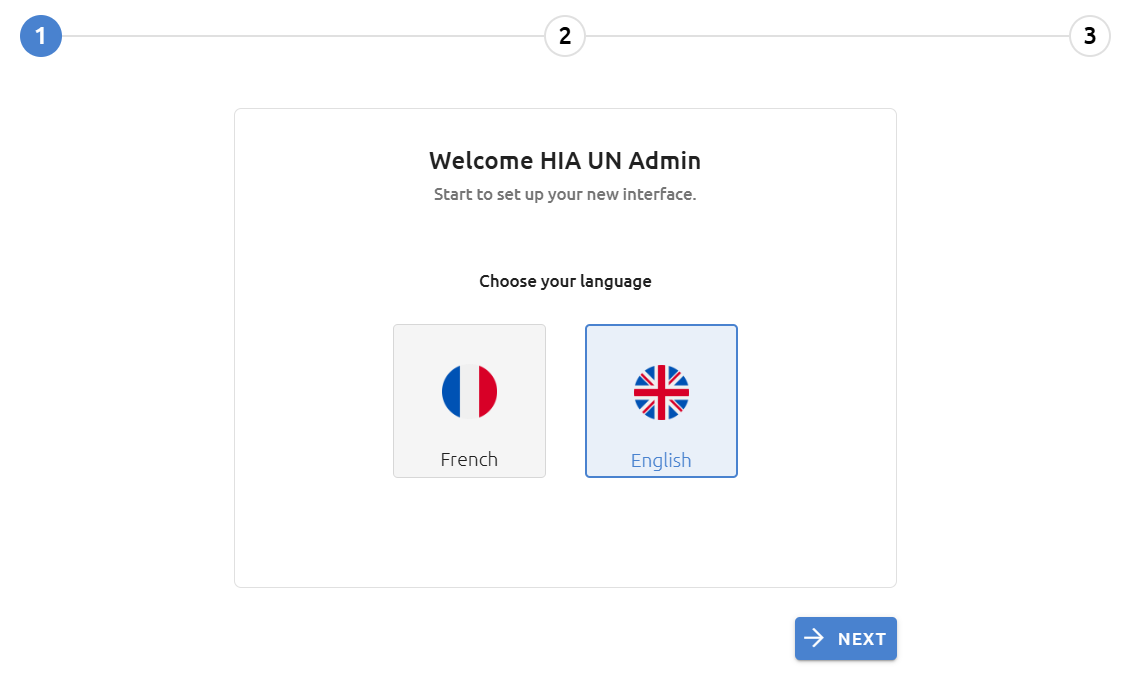
After logging on to Nexus Platform for the first time, you will be taken through the following steps.
If you are attached to several establishments, you must select your context.
1. Language selection
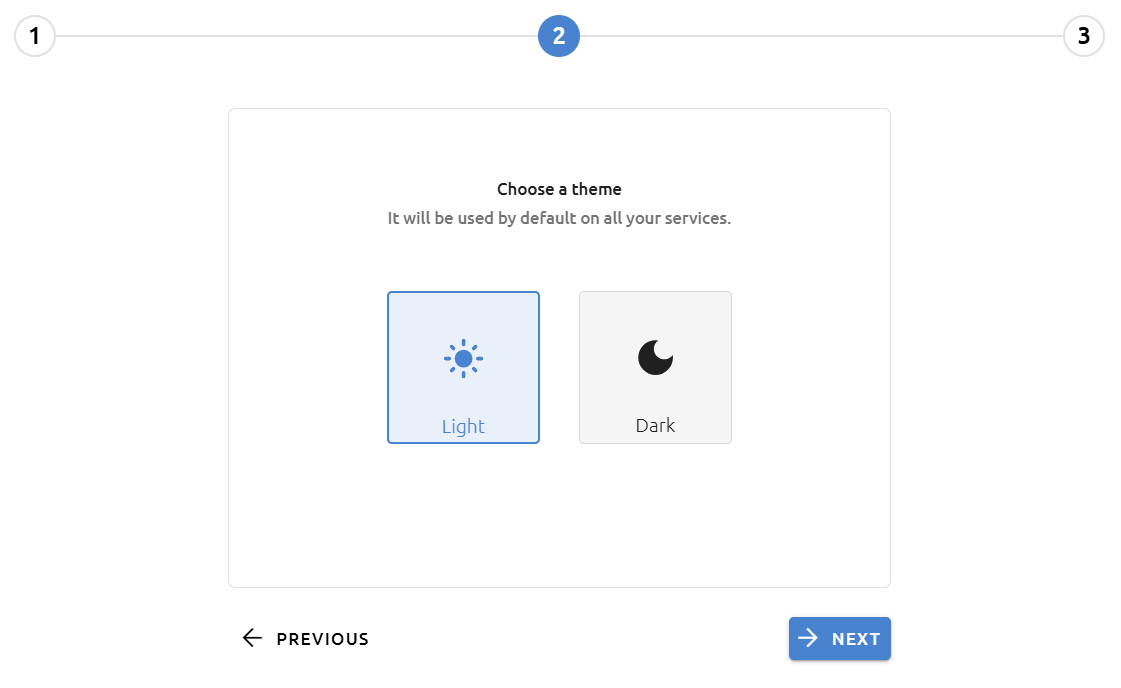
2. Theme selection
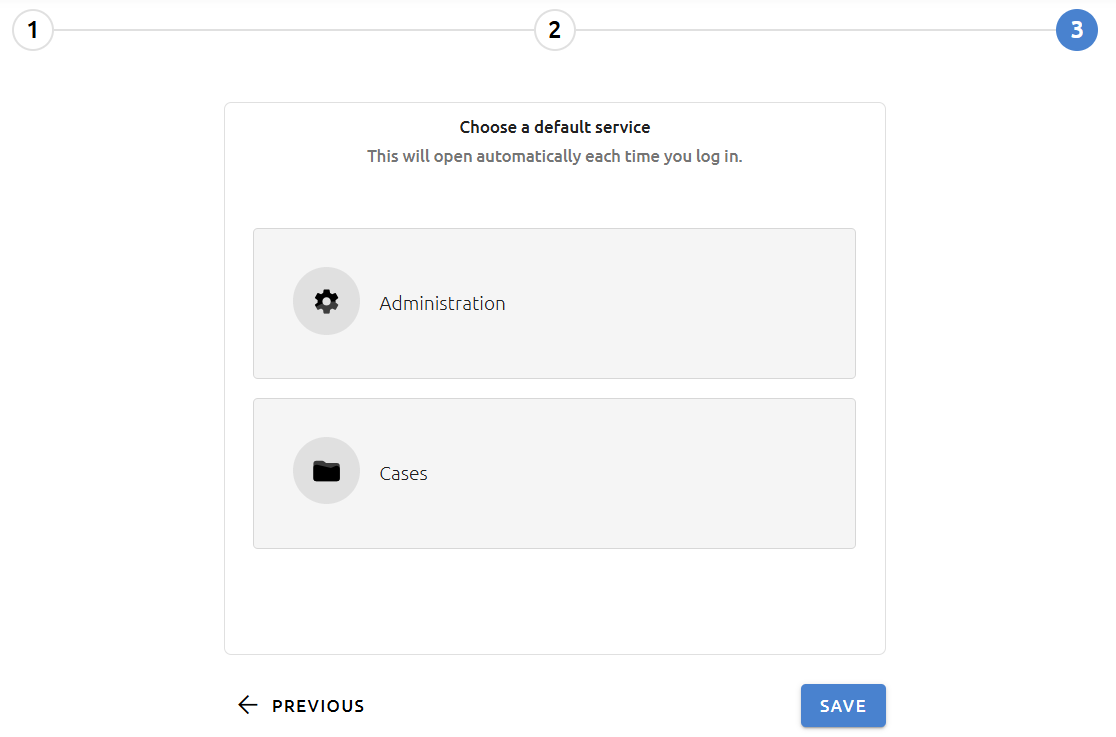
3. Default page selection among the pages you have access to
If no choice is available, please contact your administrator.
These settings can then be configured in your user preferences (cf. Getting started).
If you belong to several contexts, this setting must be made for each of them.