
Notifications are accessible via the header.

When you have new notifications, a dot appears on the icon.
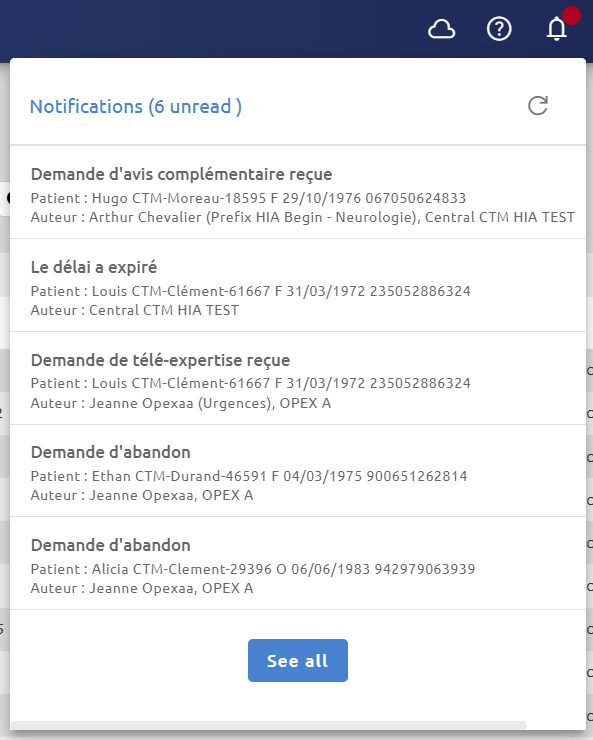
You can read the last five notifications received by clicking on the icon. To see all of them, click on See all.
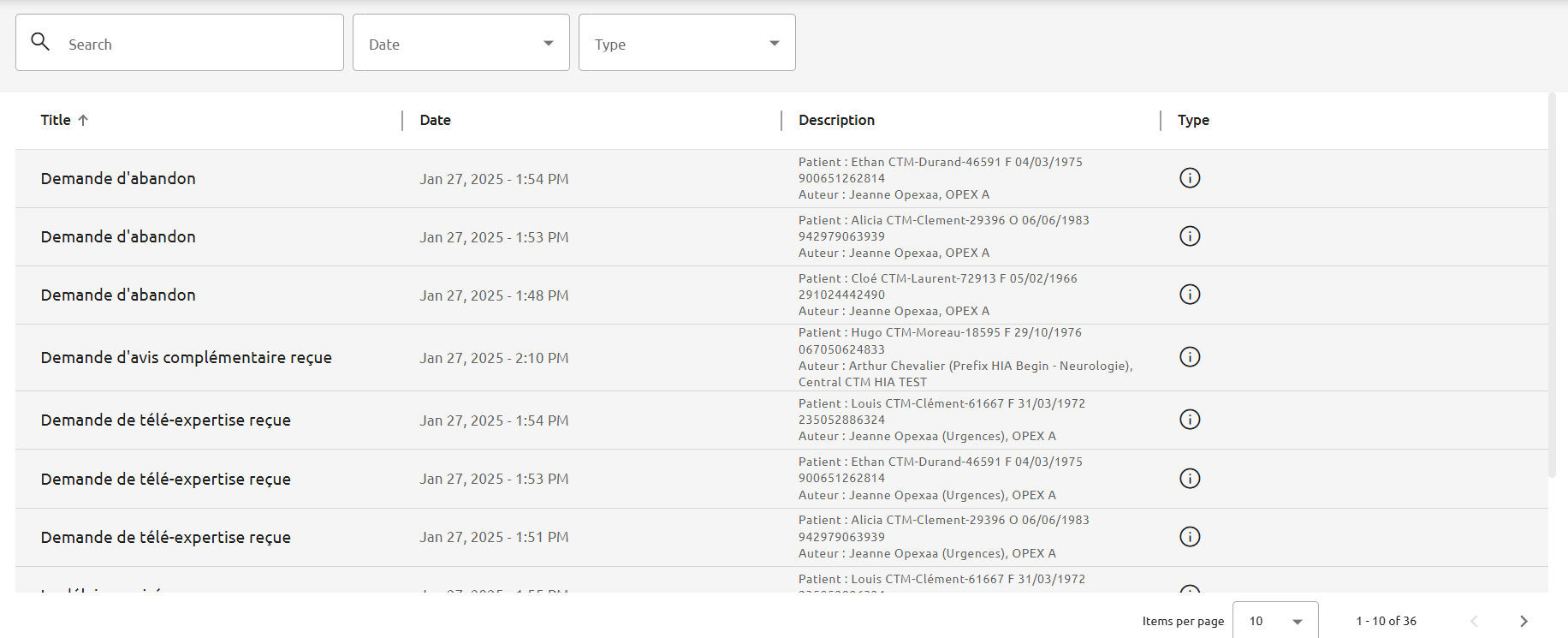
The notifications order can be changed by clicking on each column.
Notifications can be filtered by date or type (information or error). You can also use the search bar to filter by title or description.
Notifications may include redirect link when you click on them. For further information, please consult the modules user manual.